Back to all banks
How to enable transaction alerts for Trust Bank
Use this guide to make sure transaction alerts reach the Gmail inbox you will forward from.
Ready to viewLast updated: 2026-05-16
Step 1
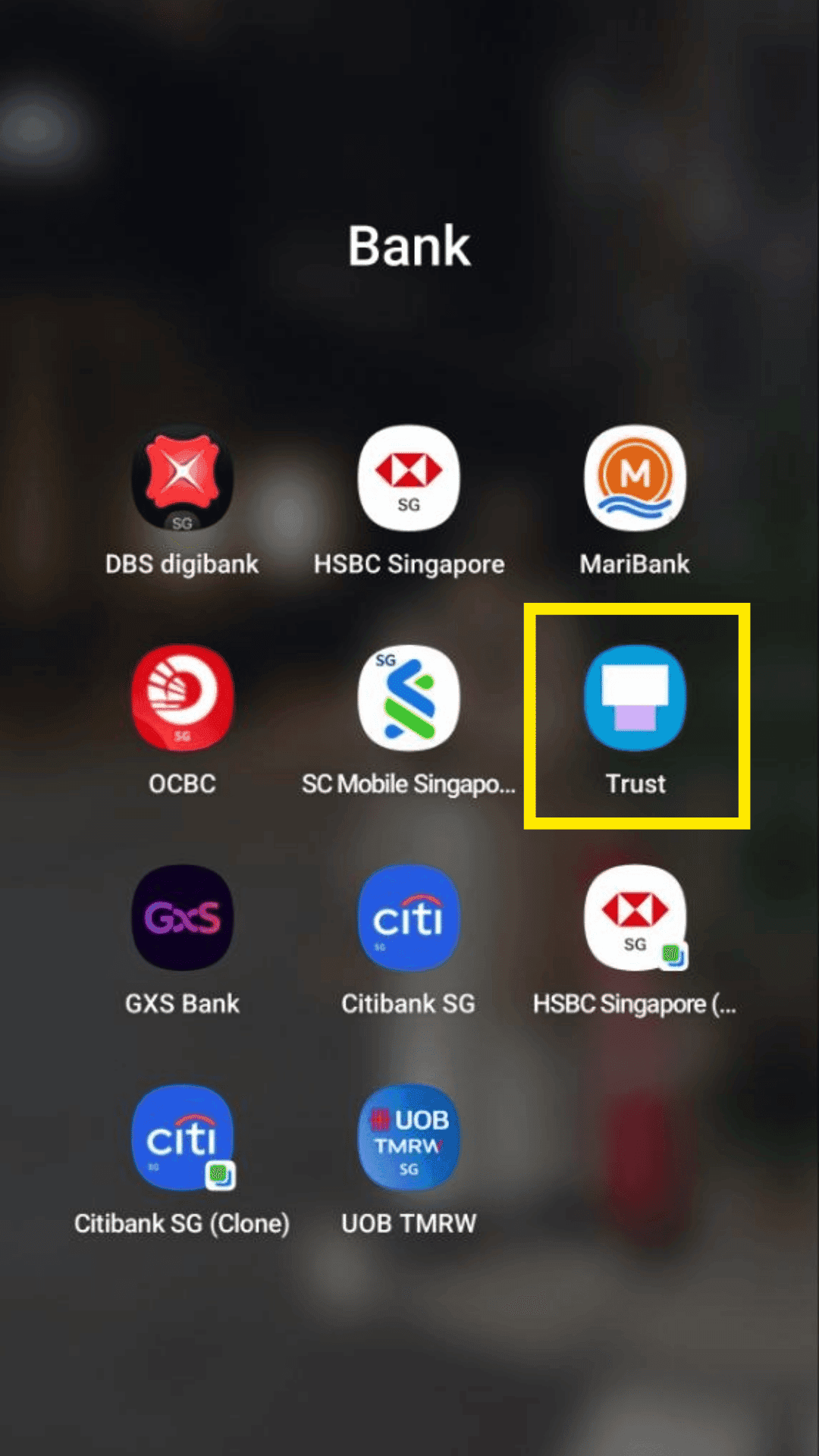
Open and login to your Trust Bank mobile banking app.
Step 2
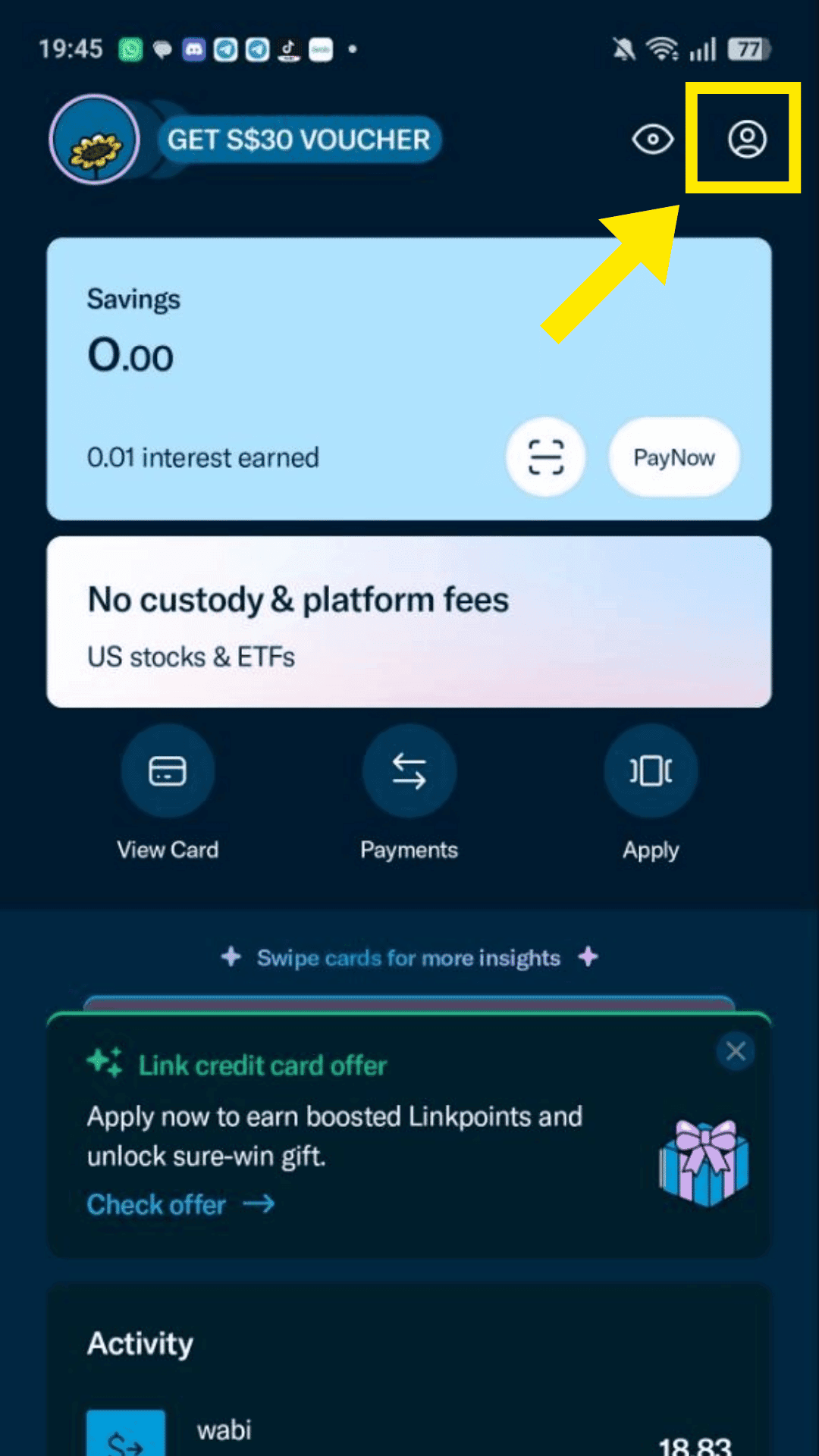
Go to Profile.
Step 3
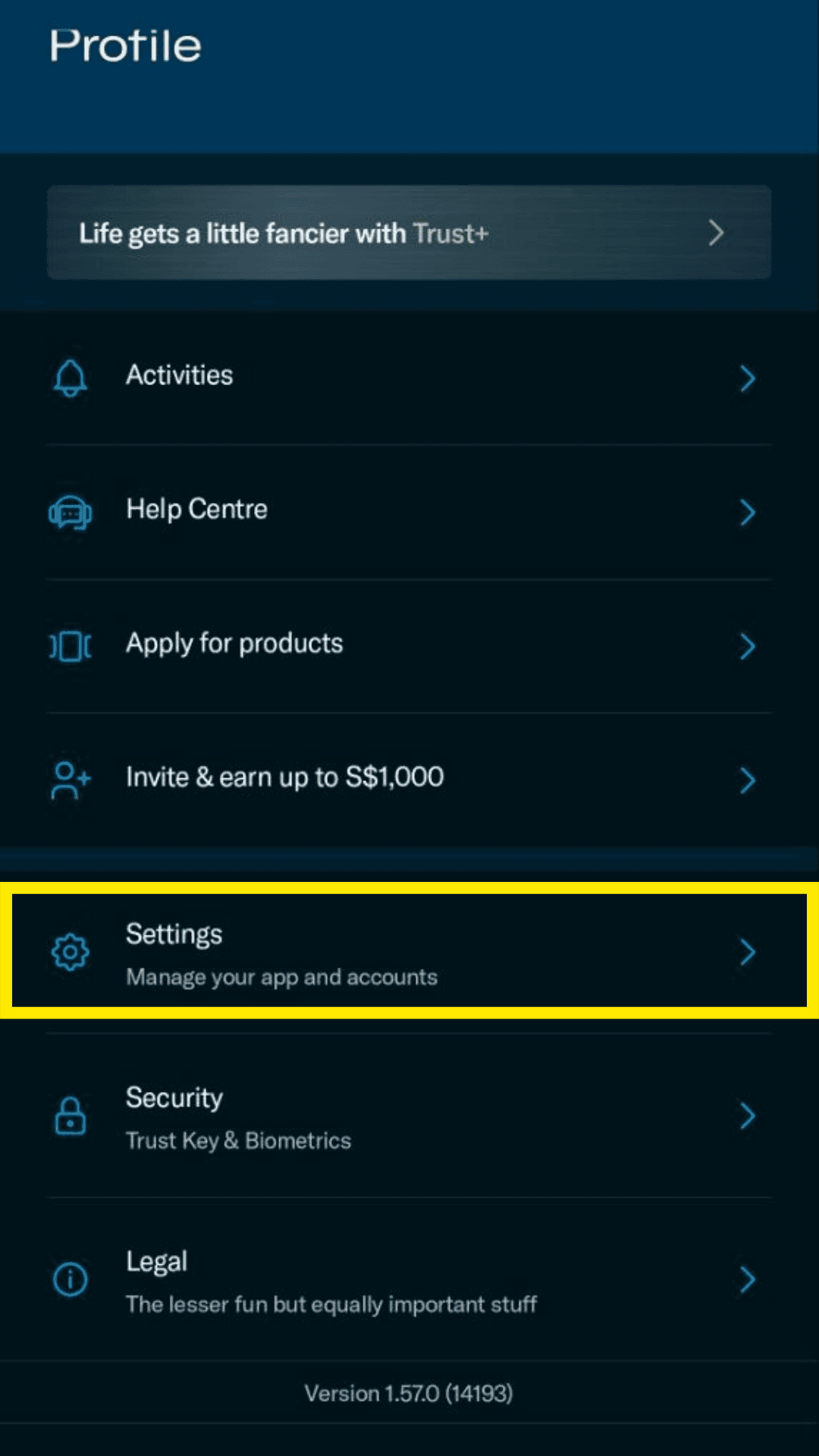
Click on Settings.
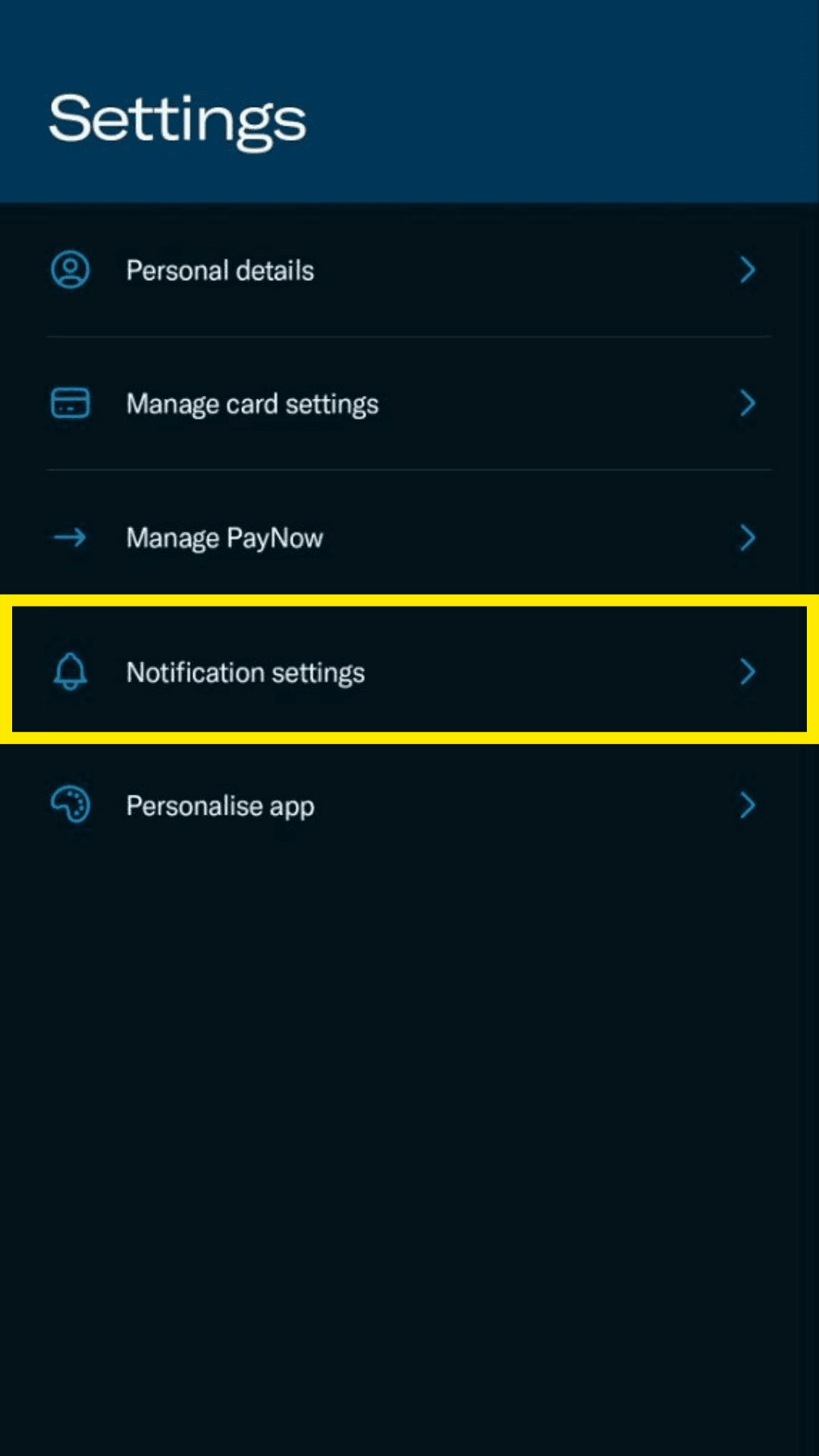
Step 4
Click on Notification settings.
Step 5
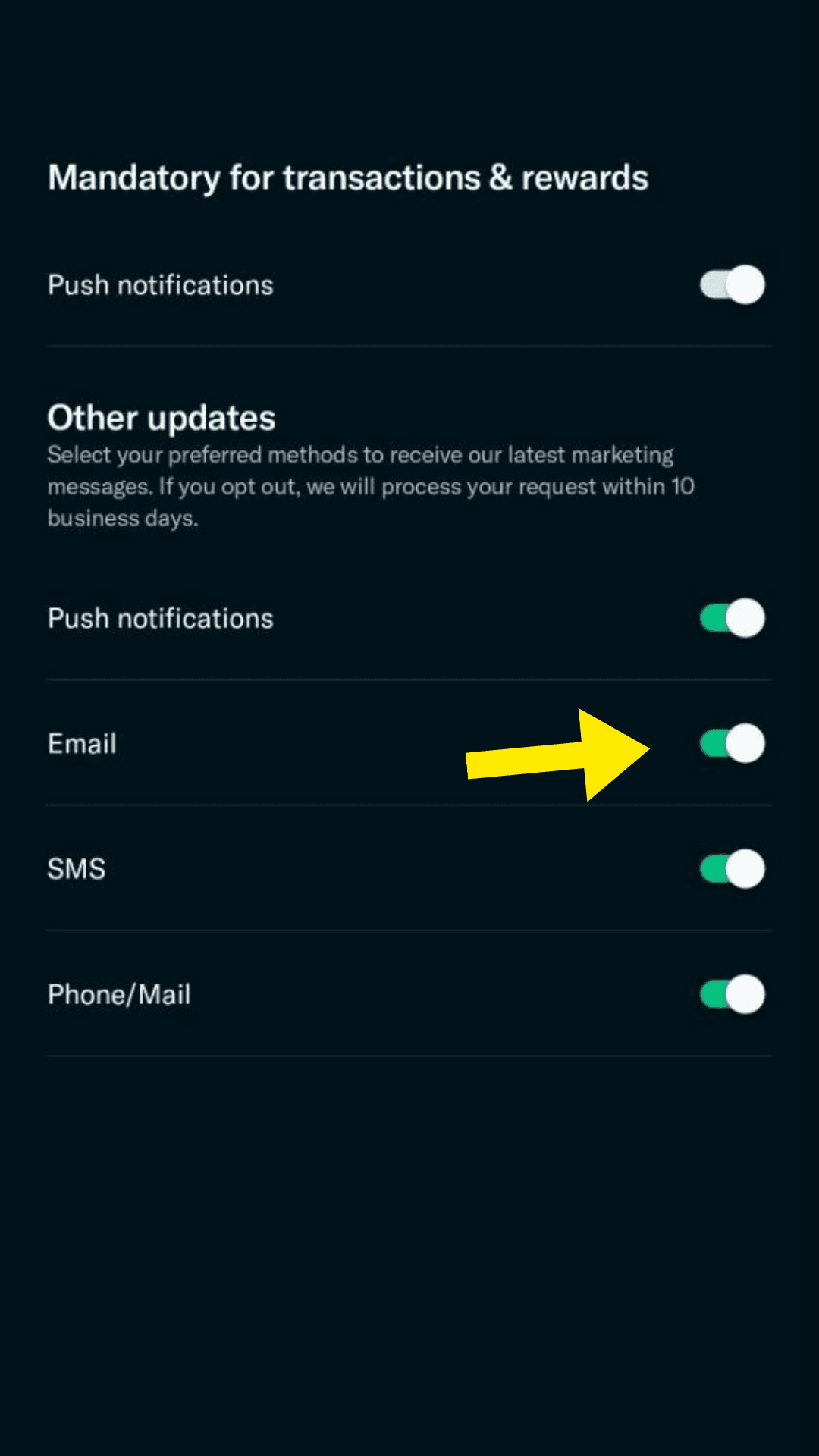
Under Other updates, enable Email notifications. Make sure the email used is the one you will forward to TeleExpense.